
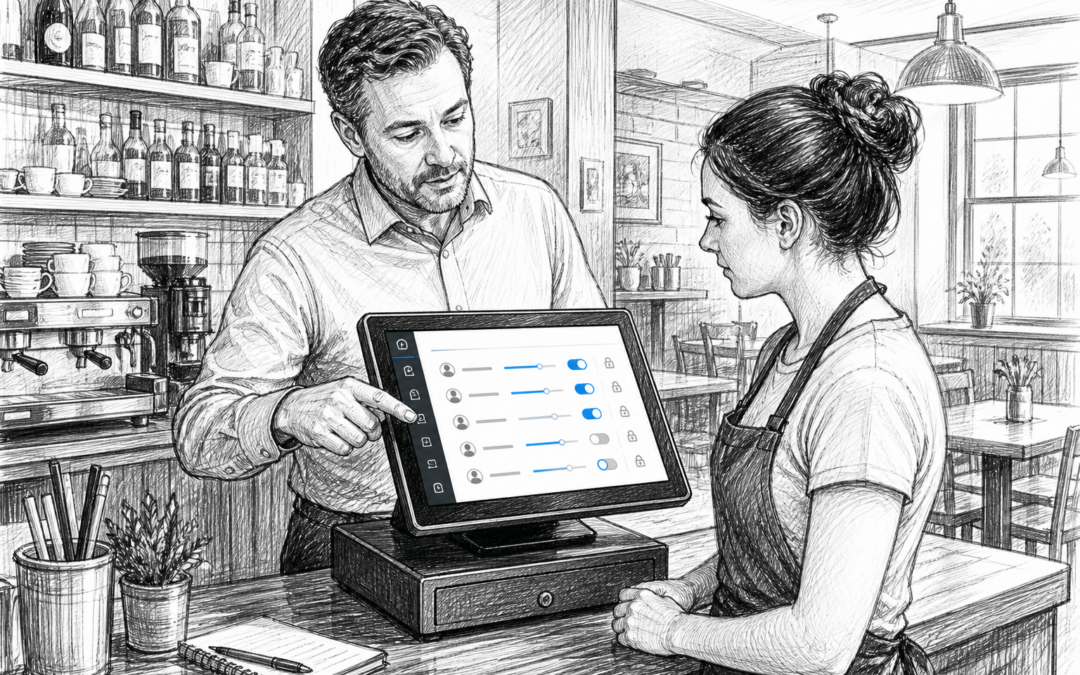
For many UK retailers, cafés, restaurants and bars, the point-of-sale system is used by several people every single day. That means not everyone needs access to every feature. One of the most practical EPOS tools is staff permissions: the ability to control who can do what on the till or touchscreen terminal.
It may sound like a small detail, but clear permissions can help businesses reduce mistakes, improve accountability and keep trading organised. For busy teams, it is often one of the simplest ways to make an EPOS system more useful.
What are staff permissions in EPOS?
Staff permissions let managers set different access levels for different users. For example, a team member may be able to process sales and apply a basic discount, while a supervisor can authorise refunds or voids. A manager may have access to reports, settings and end-of-day functions.
This approach is useful because not every role in a business needs the same level of control. In a café, a barista might only need to take orders and payments. In a clothes shop, a shop assistant may need to help customers at the till, while a supervisor handles returns or price overrides.
Common permission settings
Most EPOS systems can be configured around day-to-day tasks such as:
- processing sales
- applying discounts or promotions
- issuing refunds or voids
- opening the cash drawer
- viewing reports
- changing product prices
- accessing settings or configuration menus
By limiting access where it is not needed, businesses create a more controlled till environment without slowing staff down.
Why permissions matter for UK businesses
Staff permissions are not just about security. They also support better operations, particularly in businesses with part-time workers, seasonal teams or changing shift patterns. When roles are clearly separated, staff can focus on serving customers rather than navigating a system with too many options.
For independent businesses, this can help in several practical ways.
Fewer mistakes at the till
When every user sees the same options, accidental refunds, unintended discounts and incorrect changes are more likely. Permissions help reduce these errors by making the till screen simpler for front-line staff.
Better accountability
When a manager reviews a transaction or end-of-day report, permissions make it easier to see which actions were taken and by whom. That can be helpful for resolving queries and spotting patterns in trading.
More confidence for managers
Managers do not need to stand over the till all day if the system already limits what staff can do. That is especially useful in busy retail shops, pubs and quick-service venues where supervisors are often juggling several jobs at once.
How permissions support different business types
Different sectors use permissions in slightly different ways, but the principle is the same: give each role the access it needs, and no more.
Retail shops
In convenience stores, gift shops, fashion shops and hardware stores, permissions help keep price changes, refunds and discounts under control. A seasonal assistant can serve customers, while only senior staff can edit product information or approve larger adjustments.
Hospitality venues
In cafés, restaurants, bars and takeaways, permissions help protect against unauthorised voids or bill changes. They can also support smoother table service, especially when several staff members are using the same EPOS terminal during a busy service period.
Growing businesses
As a business expands, processes naturally become more complex. A single till operator may be fine at the start, but once more people begin using the system, clear permissions become essential. They are a sign that the business is moving beyond a basic till setup and into a more structured EPOS environment.
Why local EPOS support still matters
When permissions need to be set up properly, local support can make a real difference. A UK business may want help configuring access levels around local trading patterns, staff rotas or different department needs. That is often easier when support understands the realities of British retail and hospitality operations.
This is where a practical provider like Samtouch can be useful. Rather than relying on a one-size-fits-all system, businesses can get help tailoring the EPOS setup to fit how they actually trade. For owners and managers, that means fewer compromises and a system that reflects daily use more closely.
It is also reassuring to have support from a team that understands UK businesses, peak trading hours and the pressures of staff turnover, especially in hospitality where teams can change quickly.
How to introduce permissions without slowing staff down
The best EPOS setup is one that protects the business without making service awkward. Start with the key actions that need control, such as refunds, discounts and reports. Then review the setup after a few weeks to check whether staff have the access they need.
It also helps to train supervisors and managers on how permissions work. If the settings are clear from the start, staff are less likely to feel frustrated, and the business is more likely to benefit from the system.
A small feature with a practical impact
Staff permissions may not be the most visible EPOS feature, but they are one of the most useful. They help businesses stay organised, reduce avoidable errors and keep control over important till functions. For UK retailers and hospitality venues looking for a more reliable day-to-day setup, they are well worth considering.
If you are reviewing your current till or exploring EPOS options for your business, Samtouch offers a practical UK-focused solution for retail and hospitality. Contact YCR Distribution at sales@samtouch.co.uk 01924 438238 or visit www.samtouch.co.uk to learn more.
Recent Comments